1. Unlocking Claude Code Insights
Many developers are using Claude Code, but few know about its built-in self-improvement feature. This command forces the AI to generate a report on your coding sessions, offering feedback on what worked and constructing custom instructions for future projects.


The Workflow:
Open a new terminal session.
Run the command:
claude /insightsWait for the generation of
report.html.Open this file in your browser (or use a Live Server extension in your IDE).
Review the "Existing CC Features to Try" section to optimize your next session.
2. The "McKinsey-Style" Deck Generator
Creating professional presentations often requires design skills that non-designers lack, making it challenging to convey complex information effectively. This prompt, optimized for Kimi, forces the AI to structure content with the density and clean aesthetic of top-tier consulting firms like McKinsey.
By leveraging AI, users can overcome common hurdles in visual communication and produce high-impact slides that resonate with executive audiences. The goal is to emulate the rigorous, data-driven storytelling characteristic of a McKinsey report, ensuring clarity and persuasive power without needing extensive graphic design expertise. This approach helps bridge the gap between raw data and polished, professional insights, a capability increasingly sought after in tools like Claude McKinsey integrations.
Prompt:
Create a McKinsey-style presentation about [TOPIC].
Use a clean, tech-minimalist vibe with royal blue and grey accents.
Include serif fonts for titles and perfectly formatted data visualization placeholders.
Ensure the structure is dense and high-impact.
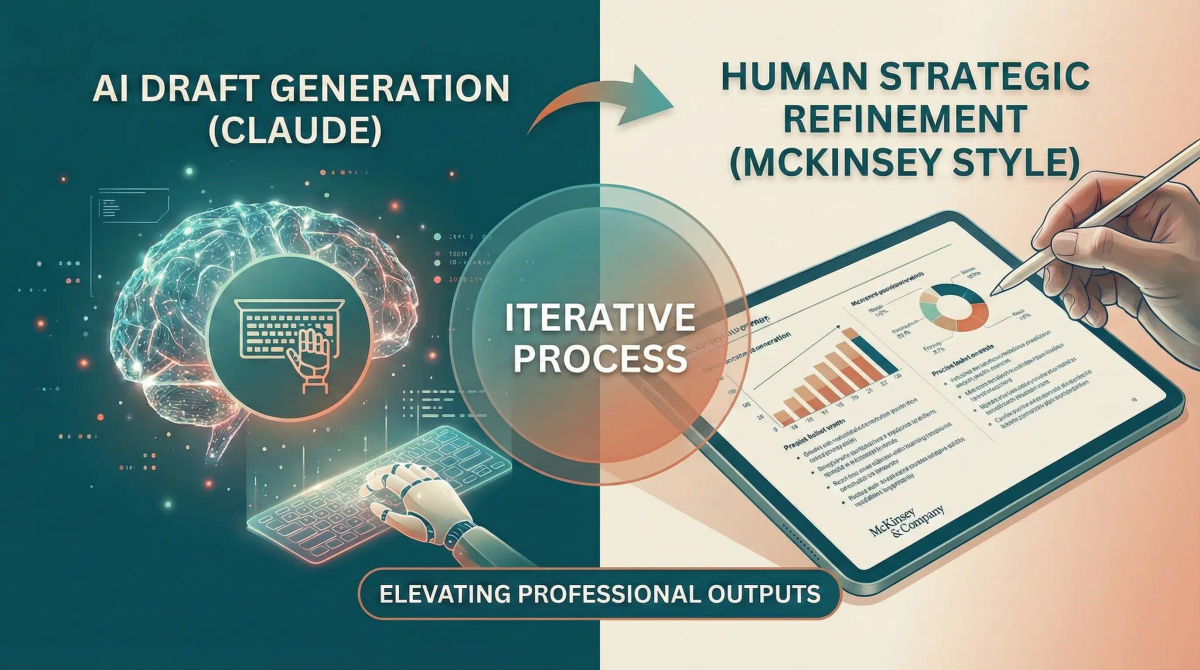
Refining AI-Generated McKinsey-Style Content
While AI tools like Kimi excel at generating initial drafts, achieving a truly polished, McKinsey-style presentation often requires a human touch to refine it. Focus on ensuring logical flow, precise language, and accurate data representation. For example, when using Claude for content generation, consider prompting it to "act as a McKinsey consultant" to refine specific sections or bullet points. This iterative process, combining AI's speed with human strategic oversight, can elevate a good presentation to an exceptional one. Exploring how McKinsey Claude workflows can be integrated for data analysis and narrative structuring can further enhance the quality and efficiency of your professional outputs.
3. PowerPoint Automation with Claude
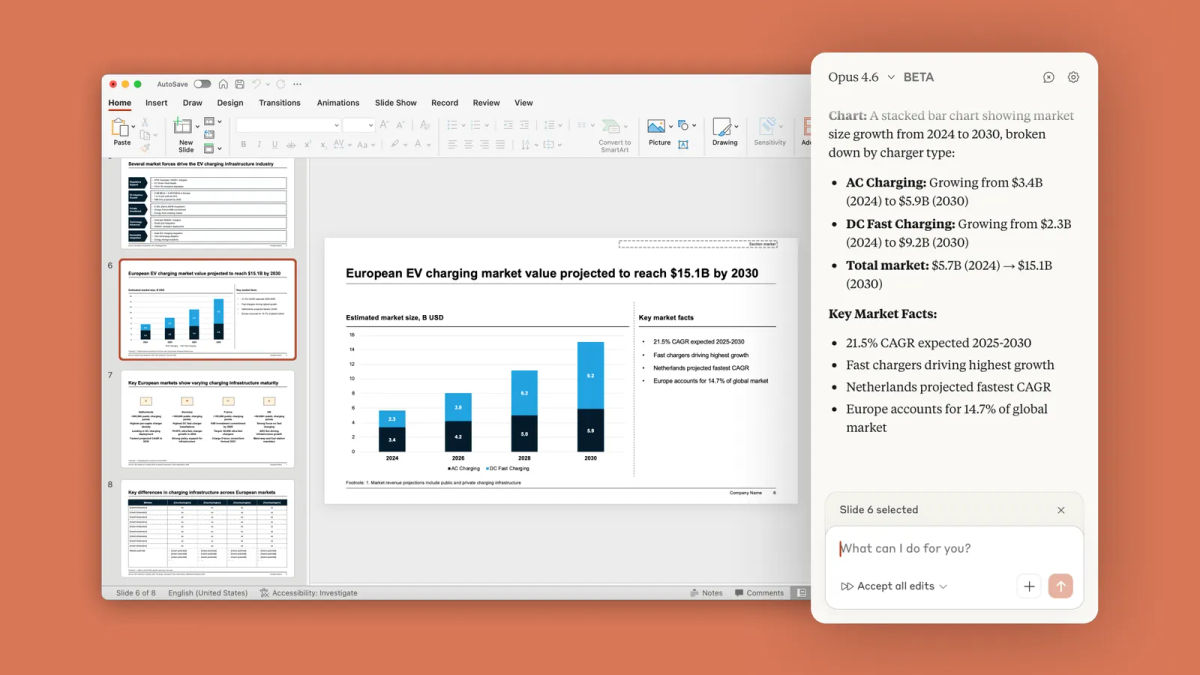
If you prefer generating the actual slide deck file, you can combine Claude with Microsoft PowerPoint. This workflow requires the "Claude by Anthropic" add-in.
The Workflow:
Open PowerPoint.
Install the "Claude by Anthropic" add-in.
Select the Opus 4.6 model.
Upload a data file (Excel, CSV, or text report).
Prompt:
Turn this attached file into a professional presentation.
4. Turning Goals into Systems
This interactive prompt acts as a life coach, converting vague desires into actionable daily systems. It uses a two-step interview process to minimize friction.
I want you to help me turn a goal or desire into an actionable, personalized system.

First, ask me a few quick questions to understand what I want, why I want it, what’s blocking me, and what kind of structure works best for me.

Then, based on my answers, design a simple but effective system that I can follow consistently.

The system should:
- be specific and realistic
- include daily/weekly actions or rituals
- minimize friction and decision fatigue
- include tracking or reflection if useful
- be adaptable over time

Let's start the interview now. Ask your questions one at a time.
5. Visual Prompt: Nano Banana
For image generation, use this prompt to achieve a specific "layered paper-cut" aesthetic. Works best with Gemini or Midjourney.
Layered paper-cut illustration of [subject], built with overlapping shapes in soft [color1] and [color2], handcrafted textures, subtle shadows between layers, clean vector edges, centered on a matte cream background, whimsical and modern visual storytelling.